![DQS_White_RGB-1.png]](https://learn.dqsglobal.com/hs-fs/hubfs/DQS_White_RGB-1.png?height=40&name=DQS_White_RGB-1.png)
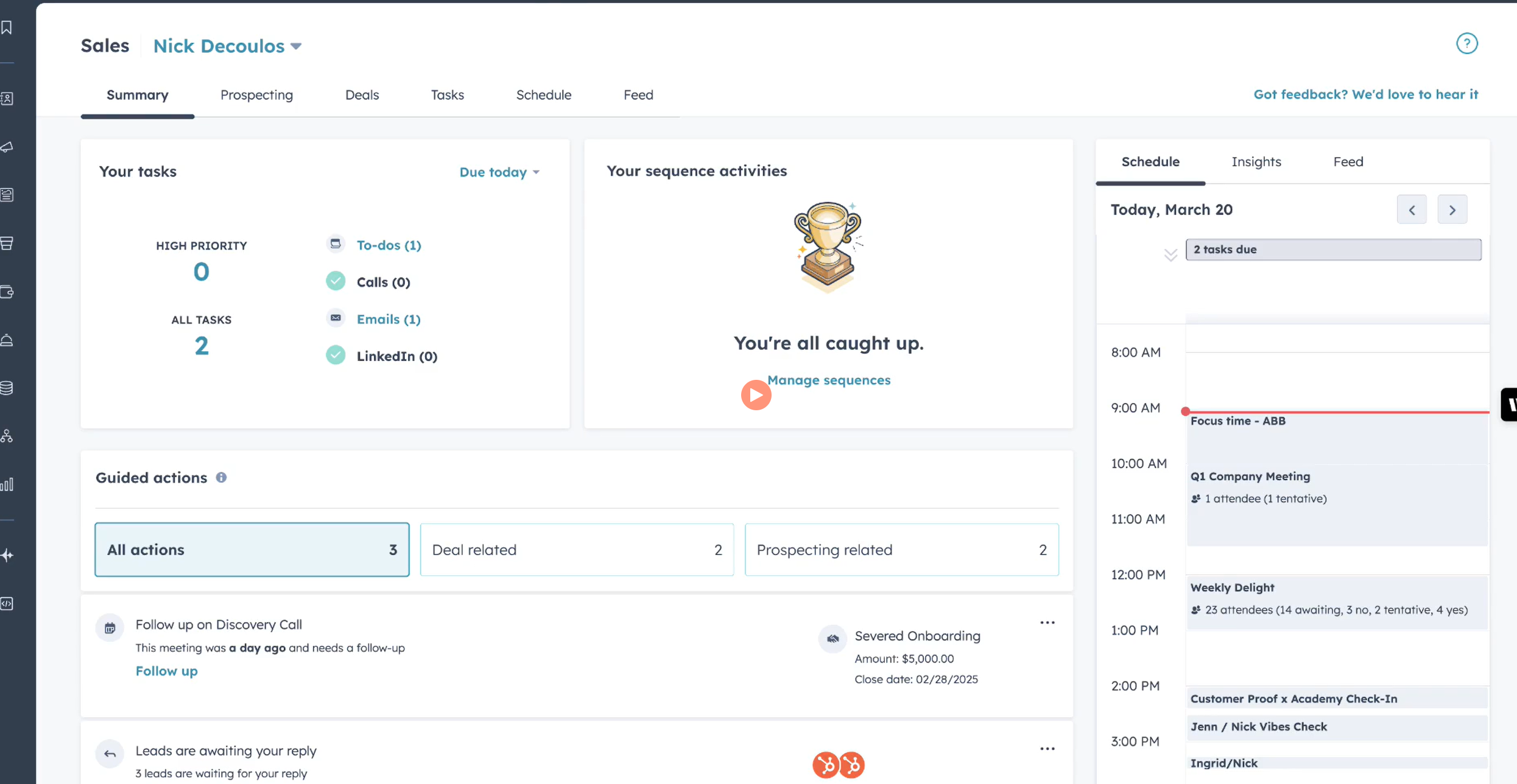
The Sales Workspace supports users throughout the entire sales process by bringing together Deals, Tasks, Meetings, Activities, and Sales Insights in one place.
Key Features
The Sales Workspace combines several HubSpot tools into one centralized view:
- Deal Management
- Task Management
- Prospecting Queue
- Meeting Assistant
- Company Management
- Activity Feed
- Sales Insights
- Guided Actions (where available)
Daily Work Overview
The Summary page provides a complete overview of your daily workload, including:
- Tasks due today
- Overdue tasks
- Upcoming meetings
- Sales activities
- Customer engagement
- Follow-up reminders
- Recent customer interactions
- Personal sales insights
This allows Sales Representatives to prioritize their work and focus on the most relevant customer interactions first.
Within the Sales Workspace you can:
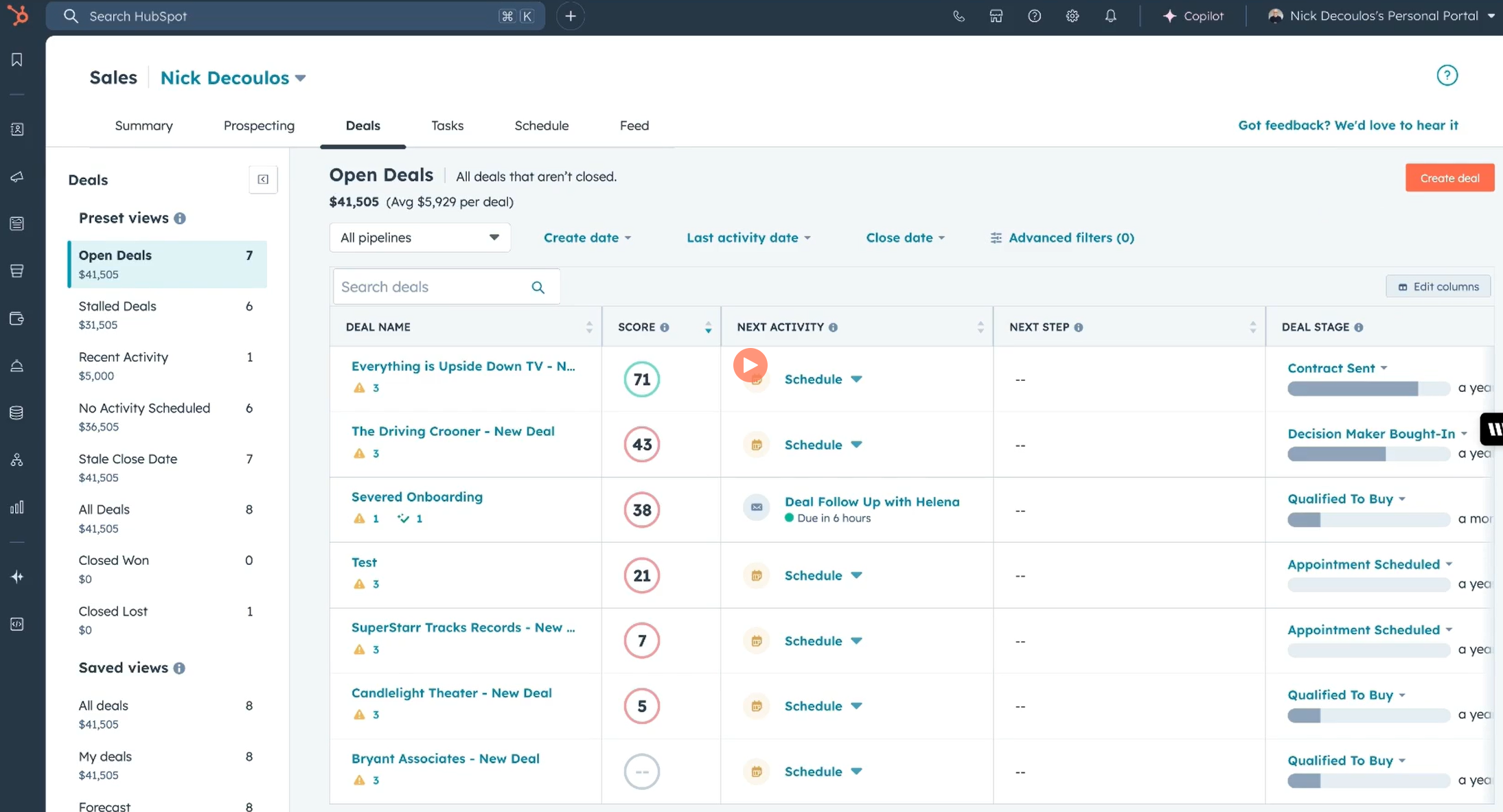
- Review your assigned Deals
- Update Deal Stages
- Open Deal records
- Track pipeline progress
- Continue working on opportunities according to CP20 – Global Sales Process
The workspace provides quick access to all information required to move opportunities through the sales pipeline.
Tasks help organize daily sales activities and ensure that no customer follow-up is missed.
Typical task types include:
- Calls
- Emails
- Follow-ups
- Meetings
- To-do activities
Tasks can be:
- completed
- rescheduled
- reassigned
- edited
directly from the Sales Workspace.
The Prospecting Queue enables users to work through tasks, sequence activities, and guided actions in a structured manner without switching between records.
Typical activities include:
- Making calls
- Sending emails
- Completing follow-up tasks
- Working through Sequences
- Executing guided actions
Using the Prospecting Queue helps maintain focus and improves productivity by providing a structured workflow throughout the day.
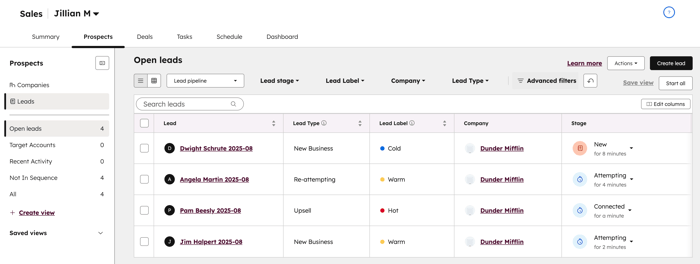
The Lead Management view in the Sales Workspace provides a centralized place to manage all assigned leads throughout the qualification process. Sales Representatives can review, prioritize, and update leads using predefined or custom views, track recent activities, manage follow-up tasks, and filter leads by stage, owner, or pipeline.
As sales activities are performed (e.g. emails, calls, meetings, or tasks), HubSpot automatically updates the lead through the early qualification stages. Once a lead has been successfully qualified and moved to the Qualified stage, HubSpot opens the Create Deal dialog, allowing users to seamlessly create a Deal and continue the opportunity in the appropriate sales pipeline according to CP20 – Global Sales Process.
When a Deal is created from the Lead, HubSpot automatically associates the Lead, Contact, Company, and Deal, ensuring complete traceability throughout the customer journey. If a Deal is created manually outside of this workflow, these associations should also be created manually to maintain complete customer history and accurate reporting.
The Meeting Assistant provides quick access to upcoming meetings and relevant customer information before each appointment.
Users can review:
- Associated Contacts
- Companies
- Deals
- Previous communication
- Recent activities
- Meeting context
This helps Sales Representatives prepare for customer conversations and maintain continuity throughout the sales process.
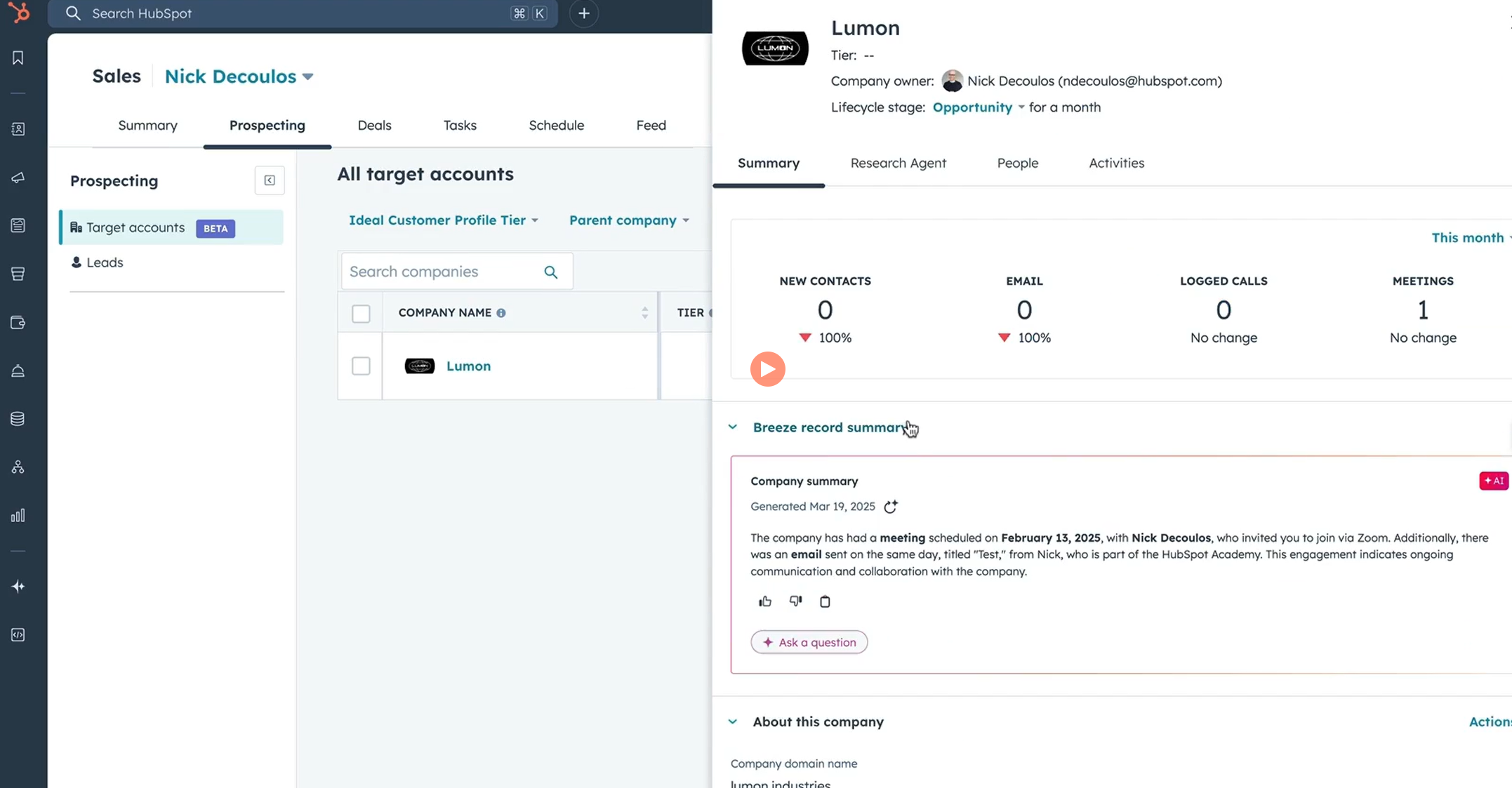
The Sales Workspace also provides convenient access to Company records, allowing users to:
- Review company information
- Update customer data
- Access associated Contacts
- View related Deals
- Review customer history
This ensures all relevant commercial information is available from a single workspace.
The Activity Feed provides visibility into recent customer engagement, including:
- Email opens
- Email replies
- Meetings
- Calls
- Customer interactions
- Quote activities (where applicable)
Sales Insights help users monitor their daily performance and identify opportunities requiring immediate attention.
Best Practices
To get the most value from the Sales Workspace:
- Begin each day by reviewing your Summary.
- Prioritize overdue and due-today tasks.
- Use the Prospecting Queue to complete activities efficiently.
- Keep Deals updated according to CP20 – Global Sales Process.
- Document customer interactions immediately after calls or meetings.
- Regularly review your Activity Feed and Sales Insights to identify follow-up opportunities.